
Digital training
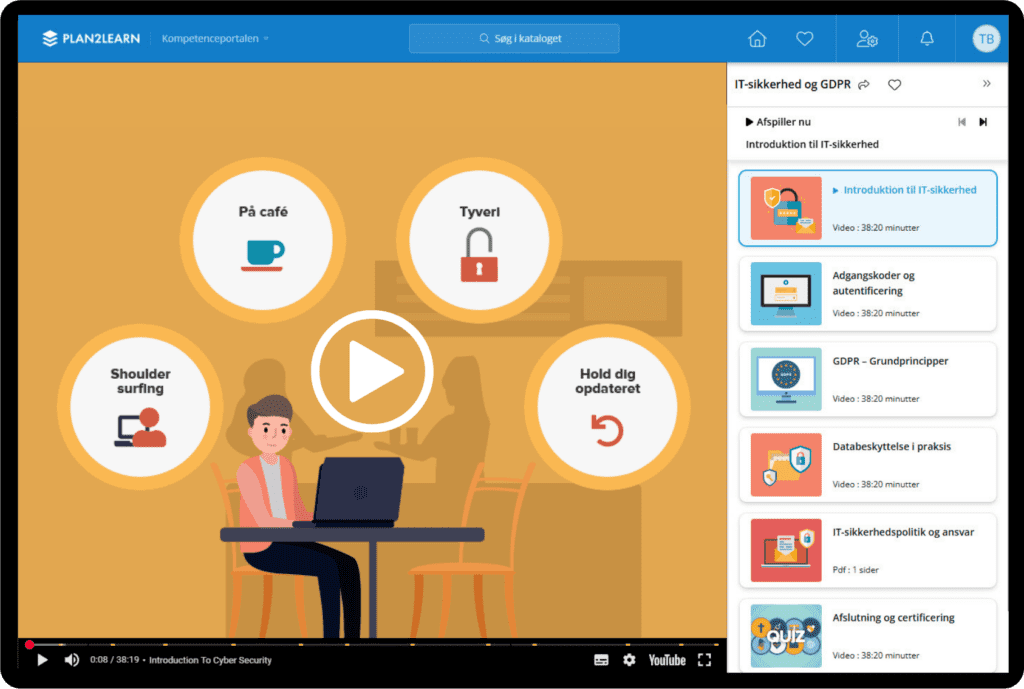
Med plan2learn er det nemt at udvikle, levere og administrere digital træning i din organisation. Uanset om du arbejder med onboarding, compliance, kompetenceudvikling eller efteruddannelse, får du en fleksibel og automatiseret løsning, der sparer tid og ressourcer.
Du har mulighed for at bygge din egen e-læring, sammensætte fleksible læringsforløb, kombinere fysiske og digitale elementer i blended learning og opbygge et instruksbibliotek, der passer til jeres behov.
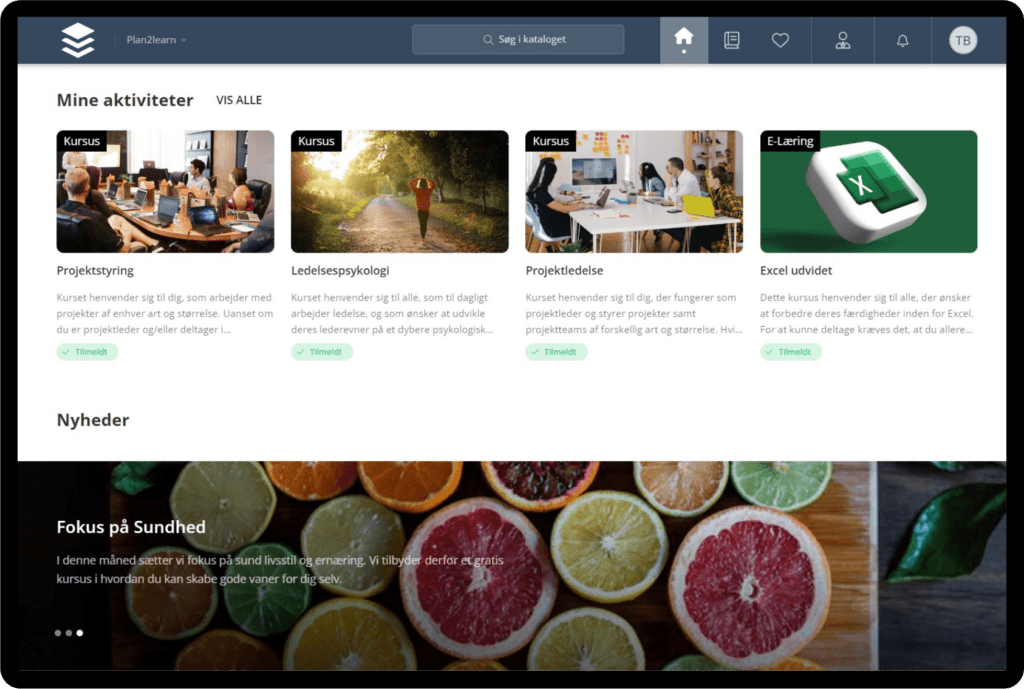
All your employees and their progress are gathered in one dashboard, so you never lose track.

Build personal learning materials
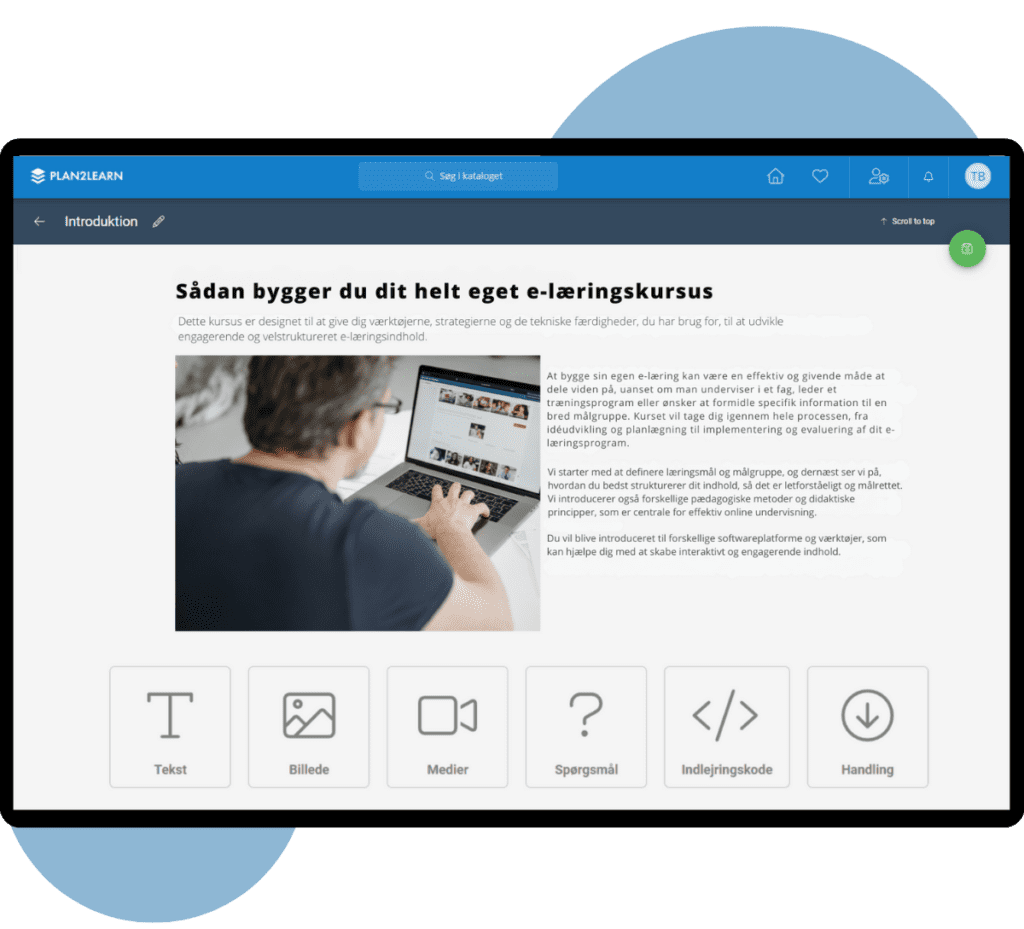
Build your own e-learning material with just a few clicks in our eDesigner. Create your content exactly as you want, with videos, images, and quizzes.

Design your own learning paths
Easily get an overview of your employees’ progress and enroll them in unique courses that strengthen the right skills.

Learning on the go
Employees can easily access their training programs whenever it suits them, on any device they prefer, at any time of the day.
Build your own e-learning
With our eDesigner, it is fast and easy to build simple e-learning material and quizzes for your employees directly in plan2learn. You never need to leave the system, as you can both build the material and apply it to a course in the same workflow.
- Create materials with pictures, videos, quizzes etc.
- Build your own quizzes and choose between multiple choice, true/false, and more
- Easily adjust graphic elements to match your visual identity
Digitize your employee training
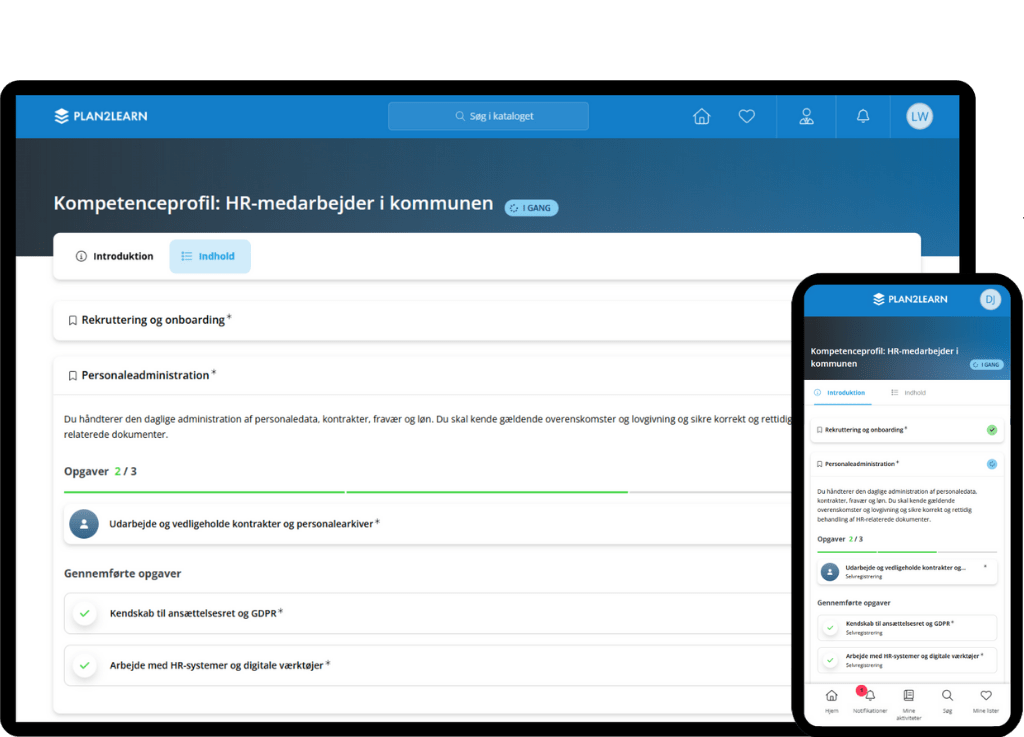
Once you have created or acquired your learning content, you can easily build customized learning paths that match your employees’ roles and needs. You choose the content and sequence—whether it’s e-learning or instructor-led courses—and create a structure that supports their upskilling.
You also have the option to segment your employees into target groups, so relevant training materials are automatically assigned without manual effort. As soon as a course is completed, it is automatically documented in the system, giving you a constant overview of employees’ status and skills.
Create your own instruction library
With plan2learn, you can build your own instruction library, where you gather and showcase your learning materials in one place. This can include instructions, e-learning, guides, and other training resources—all easily accessible for both your administrators and users.
When all your instructions are stored in the same platform, it becomes simple for you to push the right learning to the right employees. Your users only need to use one system, helping you avoid spreading information across different departments and IT systems.
- A complete platform for instructions and training materials
- Make it easy for users to find the right knowledge
- Avoid spreading information across multiple systems
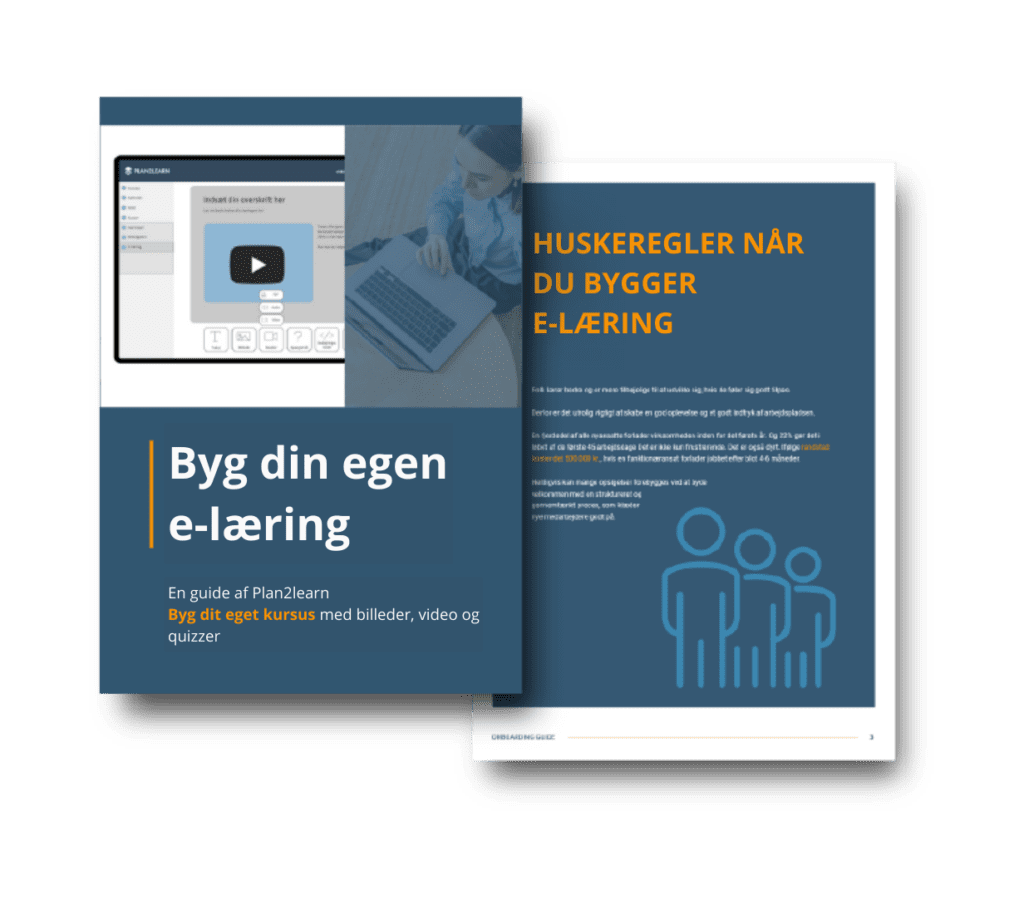
Build your own e-learning with our guide
I our guide we explain the many options within e-learning, and some best practice approaches that you should be aware of when building e-learning. You will be able to read more about:
• Guidelines when working with e-learning
• Which tool do you use to build e-learning?
• When should you use quizzes and tests?
An example of a course built with the eDesigner


Want to hear more?
Vores Salgs- og implementeringschef, Daniel, sidder klar til at tage en uforpligtende snak om jeres muligheder med Plan2learn.